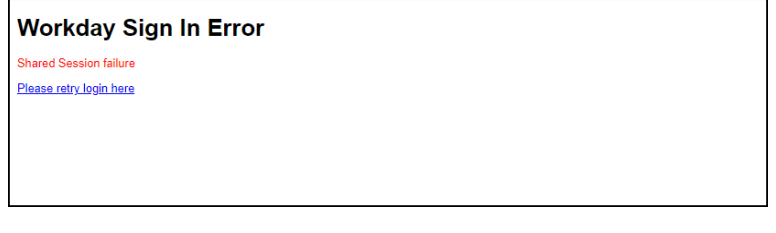
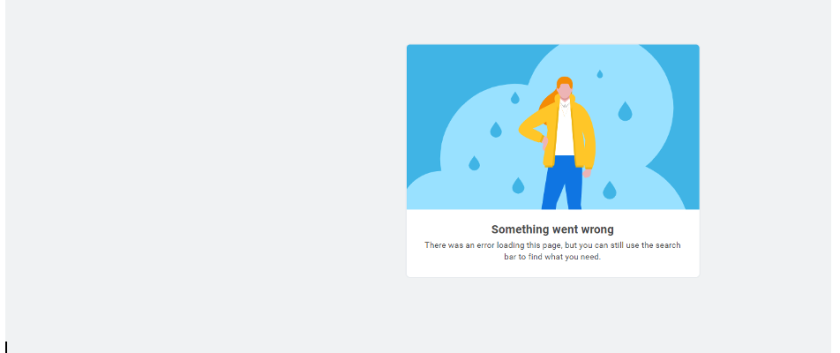
Tenant Status System Notices
Workday provides tenant status system notices for these:
- Planned Maintenance
- Unplanned Service Interruption
- Invalid URL
We display the text in English only and list the times in Pacific Time.
Planned Maintenance
When Workday conducts planned maintenance on all customer tenants (Production, Sandbox, Sandbox Preview, and Implementation) during the weekly Service Update, we display these notices:
3 Hours Prior to Planned Maintenance
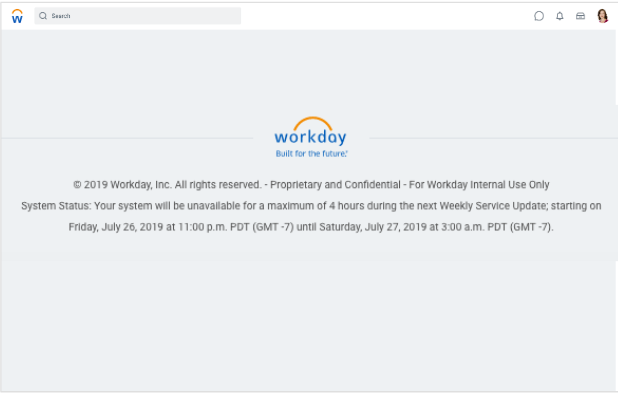
15 Minutes Prior to Planned Maintenance
We display a 2nd notice with a countdown timer. Named Support Contacts should ensure that all end users are aware of the planned maintenance.
Duration of Planned Maintenance
When the planned maintenance commences and throughout the maintenance period, we display this notice and indicate the maintenance start and end time. If a specific data center or tenant type will be delayed and we know when it is available, we change the end time to provide an ETA:
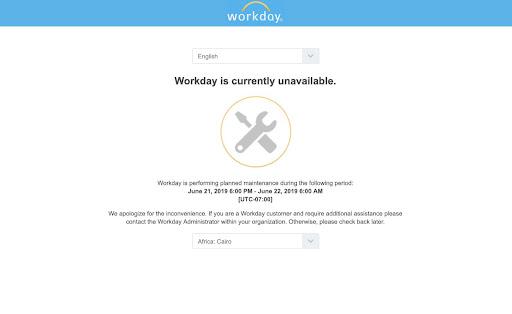
You can follow the instructions in Notification When Tenant Becomes Available to be notified if any of your tenants become available before the scheduled end time of a Weekly Service Update or a Workday Feature Release.
Unplanned Service Interruption
We display this notice instead of the usual sign-in page when a Workday tenant is unavailable due to an unplanned service interruption - if we’re aware of an ETA, we’ll update the notice with that information: