Bookmarks on the Workday Community
As of June 21, 2024, we've retired the Bookmarks functionality for Workday-provided content. You can continue to bookmark and manage bookmarks for all user-generated Collaborate content.
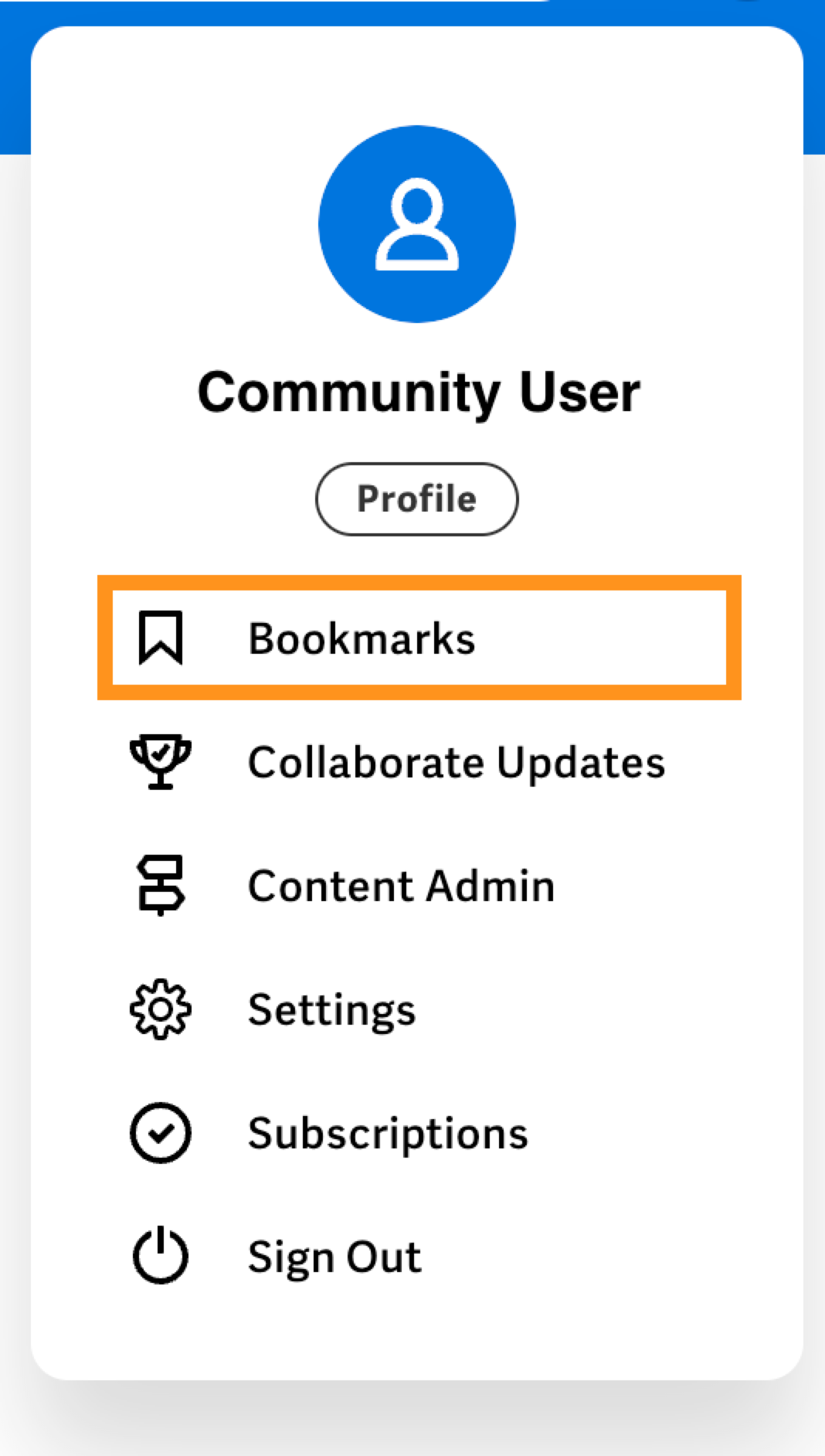
To access your Collaborate bookmarks, on the Bookmarks page, select Go to Collaborate Bookmarks.
Add a Collaborate Content Bookmark
You can bookmark Collaborate content by selecting the arrow icon on the right-hand side of the post when viewing the post and selecting Bookmark from the drop-down menu. You can also select Options to the right of the breadcrumb at the top of the page, then select Bookmark from the drop-down menu. You can bookmark:
- Contributed Solutions
- Group Posts
- Forum Discussions
Manage Collaborate Content Bookmarks
To manage your Collaborate content bookmarks, you can:
- Add or remove a bookmark directly from the bookmarked content's page.
- Delete or open a bookmark directly from the Collaborate Bookmarks page.