Preparing for Learn On-Demand Training
This short video guides you through navigating a Learn On-Demand course so that you can enjoy a great learning experience.
The Learn On-Demand subscription libraries contain short, topic-specific training and job aids that Workday administrators can access for just-in-time learning. This training supplements instructor-led offerings and provides you with the knowledge you need to be self-sufficient in Workday.
For a complete list of our titles, visit the Training Catalog.
To view your enrolled training, visit your Learning Transcript in the Workday Learning Center.

Overview
Learn On-Demand courses are fully adaptive so you can view it on your tablet, phone, or computer.

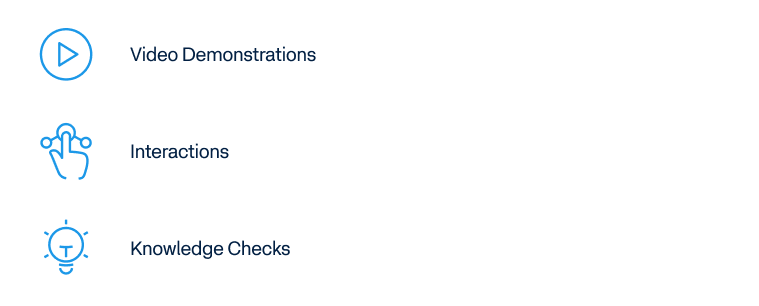
Each course contains a series of lessons. Lessons vary and can include:
As you scroll through the content, the lesson progress indicator tracks your completion. To achieve 100 percent completion, scroll to the end of each lesson and complete all interactions.
As you move through the course, the progress bar under the course title measures the overall course completion. 100 percent completion is needed to complete the course.

What’s Next?
To leave the course, select the Exit Course button or close the page. Workday marks your course as complete with either option. Leaving the course takes you back to the Workday Learning Center.

Questions?
For enrollment or other questions, work with your Training Coordinator to submit a training case. For more information on Learn On-Demand, visit the Learn On-Demand overview page.